> ## Documentation Index
> Fetch the complete documentation index at: https://docs.adoptclarity.com/llms.txt
> Use this file to discover all available pages before exploring further.
# 2. Connect Calendar
> Clarity will join meetings connected to your calendar.
## Login with Google
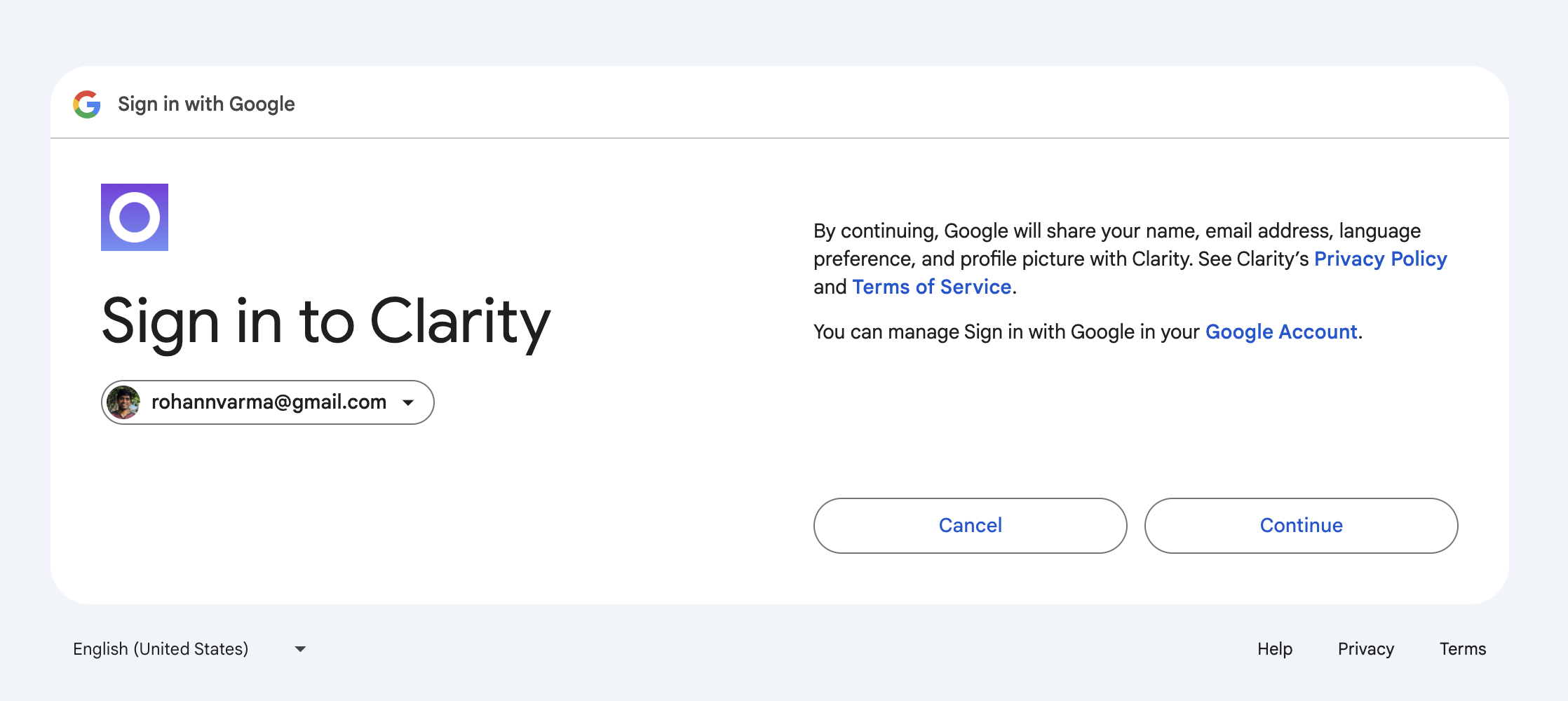
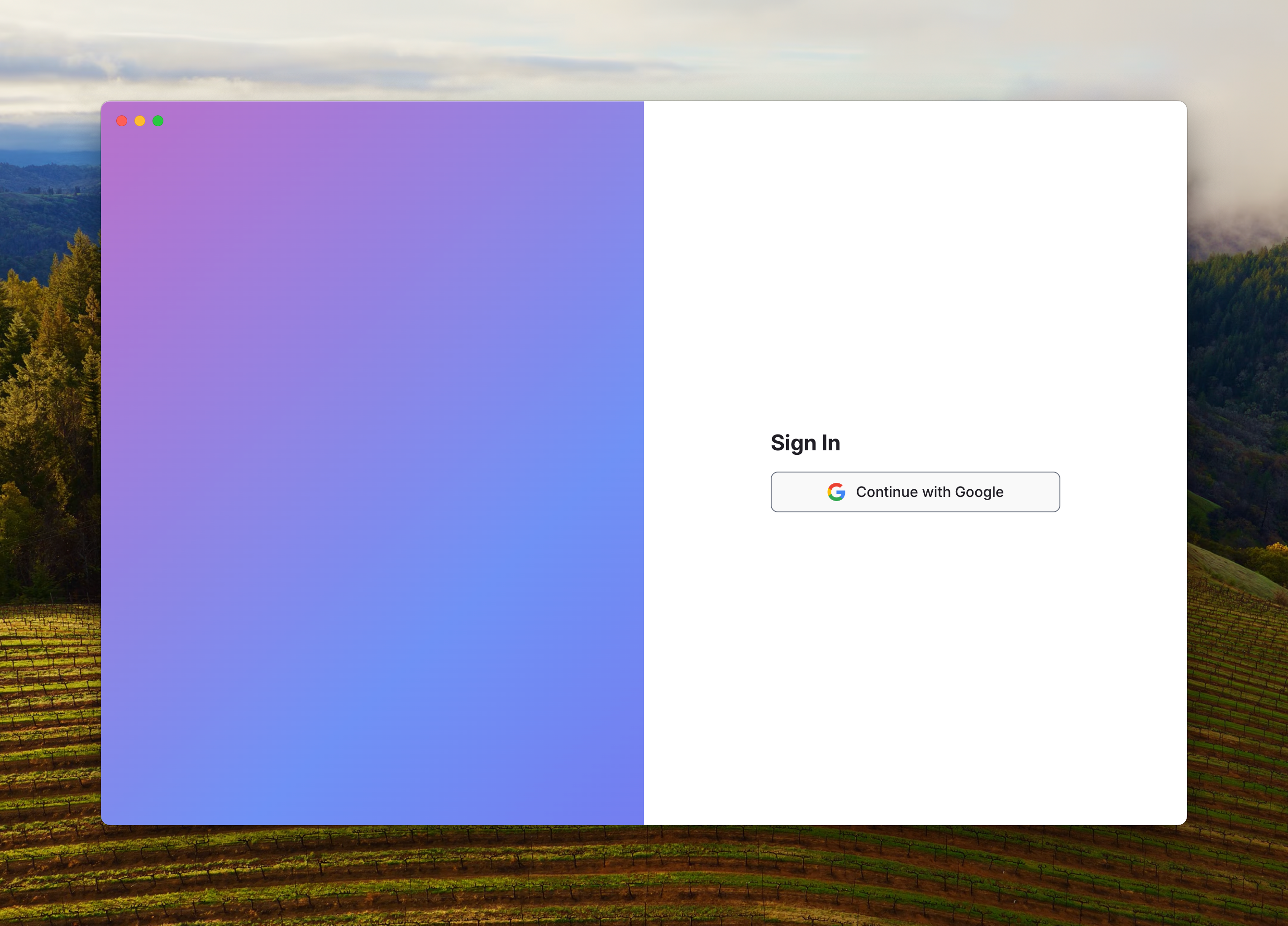 Sign in with your google account. We will use your google calendar to determine what meetings will be recorded.
 ## Connect your Calendar
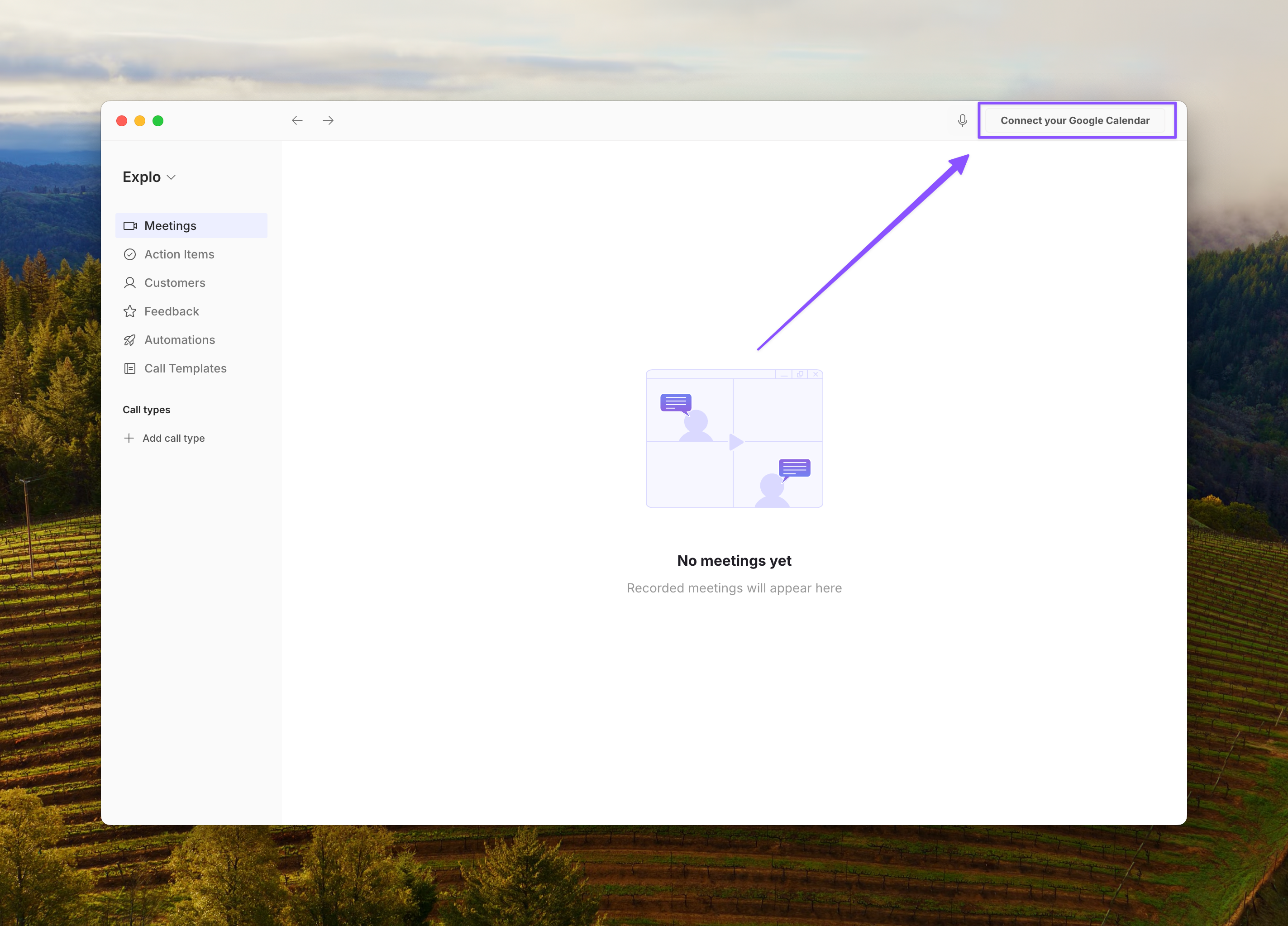
Click on the top right to connect your calendar.
## Connect your Calendar
Click on the top right to connect your calendar.
 ## View Calendar
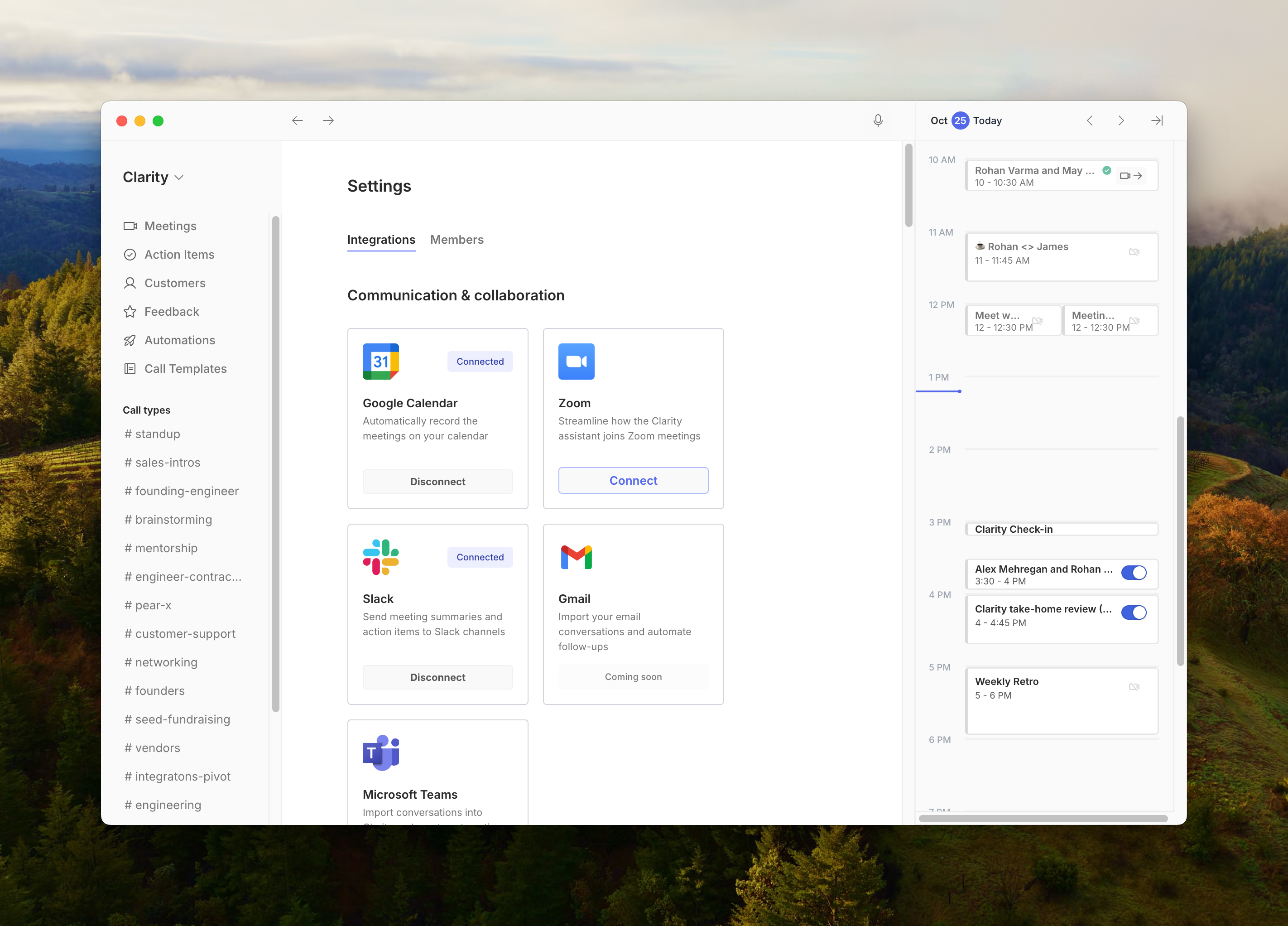
Once your calendar is connected, you will be able to open and close the calendar view on the right side.
All meetings connected to this email will show up here.
## View Calendar
Once your calendar is connected, you will be able to open and close the calendar view on the right side.
All meetings connected to this email will show up here.